Features
// Supports both vector and float  types.
Vector3 p1 = new(0, 0, 0);
float3 p2 = new(1, 1, 1);

// Draws a line with the default color.
Draw.Line(p1, p2);

// Specifying the start and end colors.
Draw.Arrow(p1, p2, Color.red, Color.green);

// Draws a filled facing up along the Y axis.
Draw.Rectangle(p1, p2, Color.green)
    .Facing(new float3(0, 1, 0));
Easy to Use
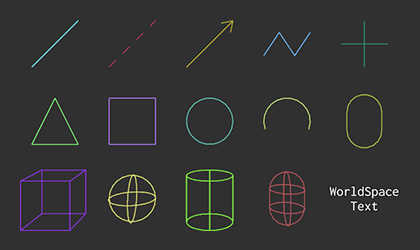
The API is intentionally minimal and requires no setup or initialization. Visuals can be drawn immediately from any context using straightforward static calls, allowing debug information to be added with minimal effort.
Contexts
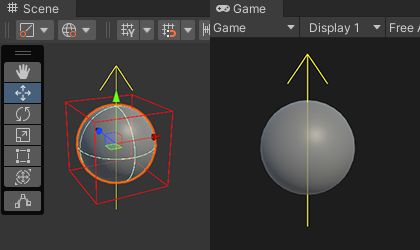
DebugDraw operates consistently across all common Unity execution contexts.
It integrates seamlessly with editor, in standalone builds, supports gizmo rendering, and functions reliably in both
Update and FixedUpdate loops.
Resolution
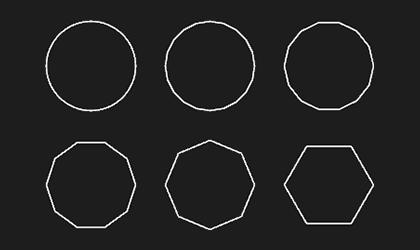
Certain shapes automatically adapt their geometric detail based on their apparent screen size. This dynamic resolution system maintains smooth visual quality while minimizing vertex counts, helping ensure efficient rendering without manual configuration.
Scopes
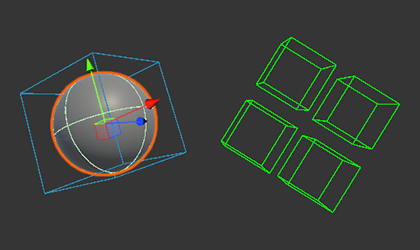
Disposable scopes allow temporary modification of shared drawing state, such as color or transform, across multiple visuals.